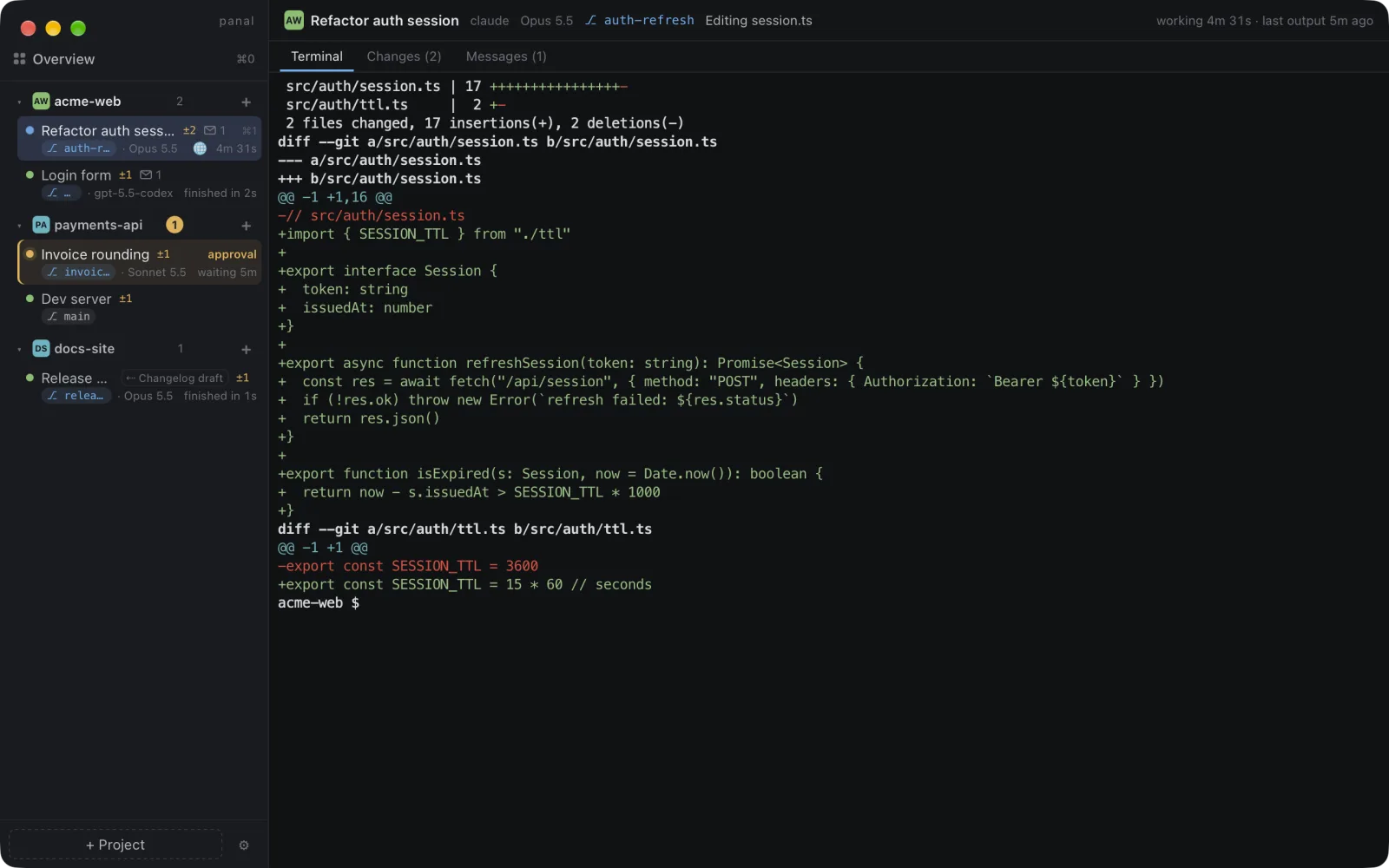
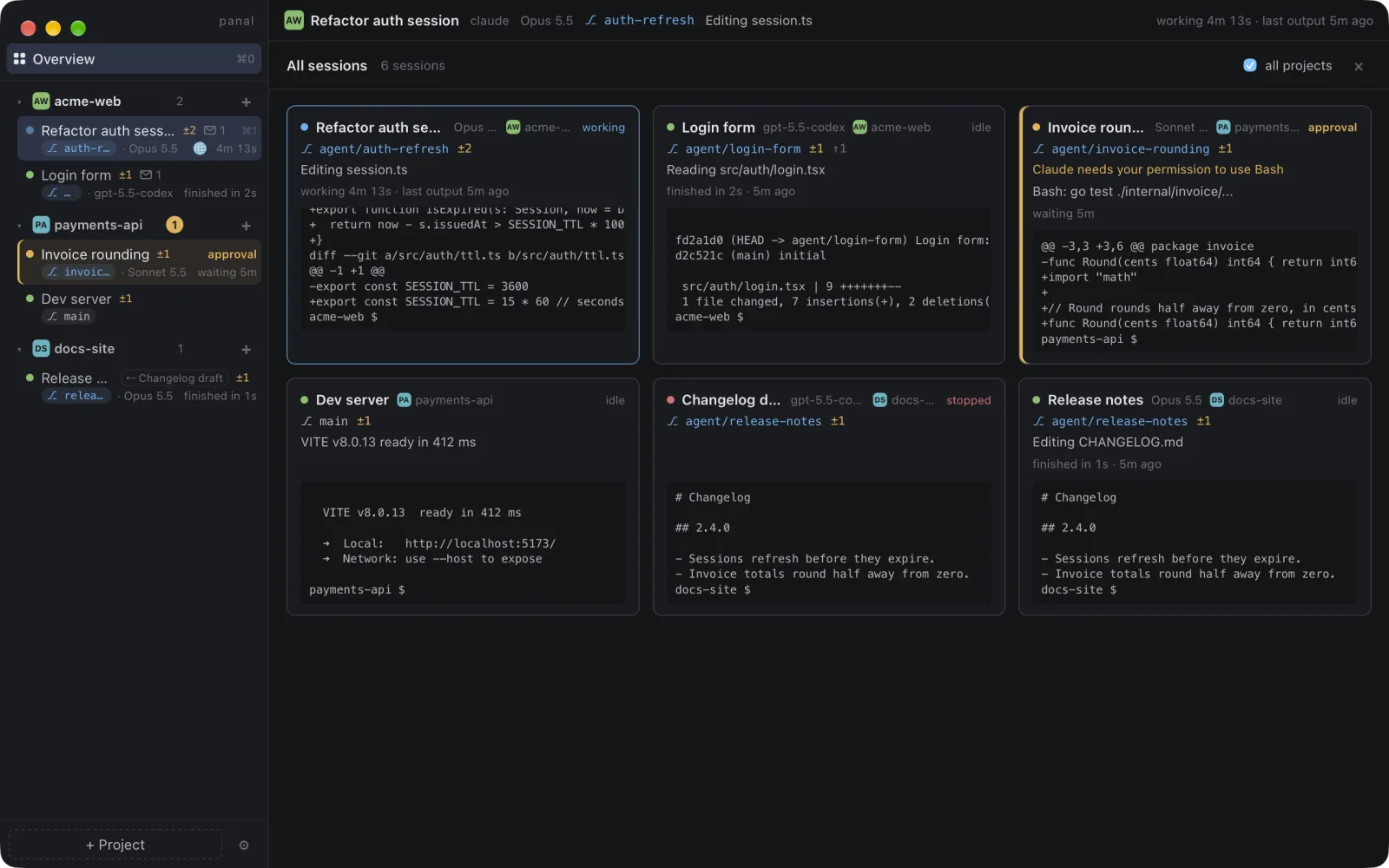
Built for running agents in parallel
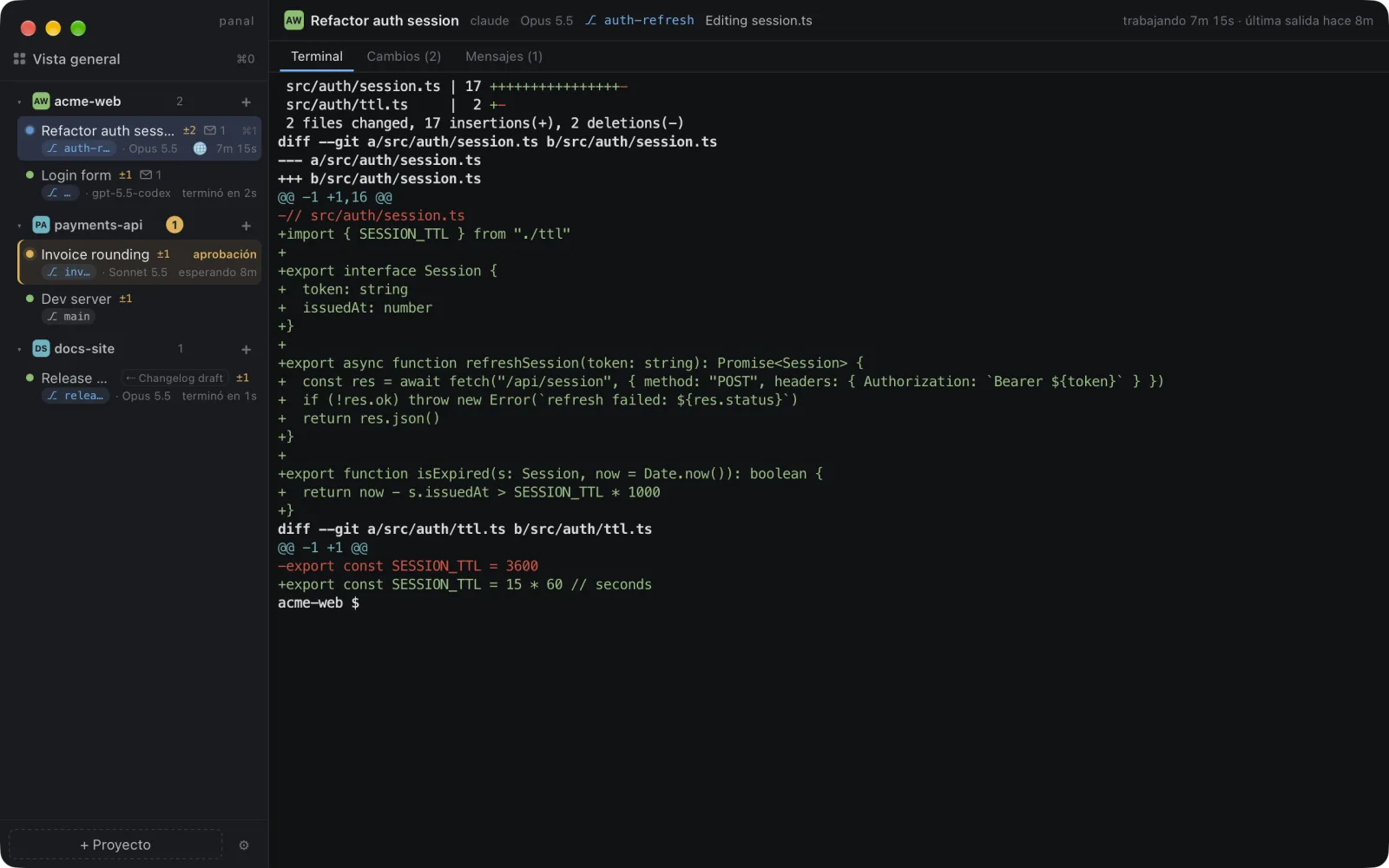
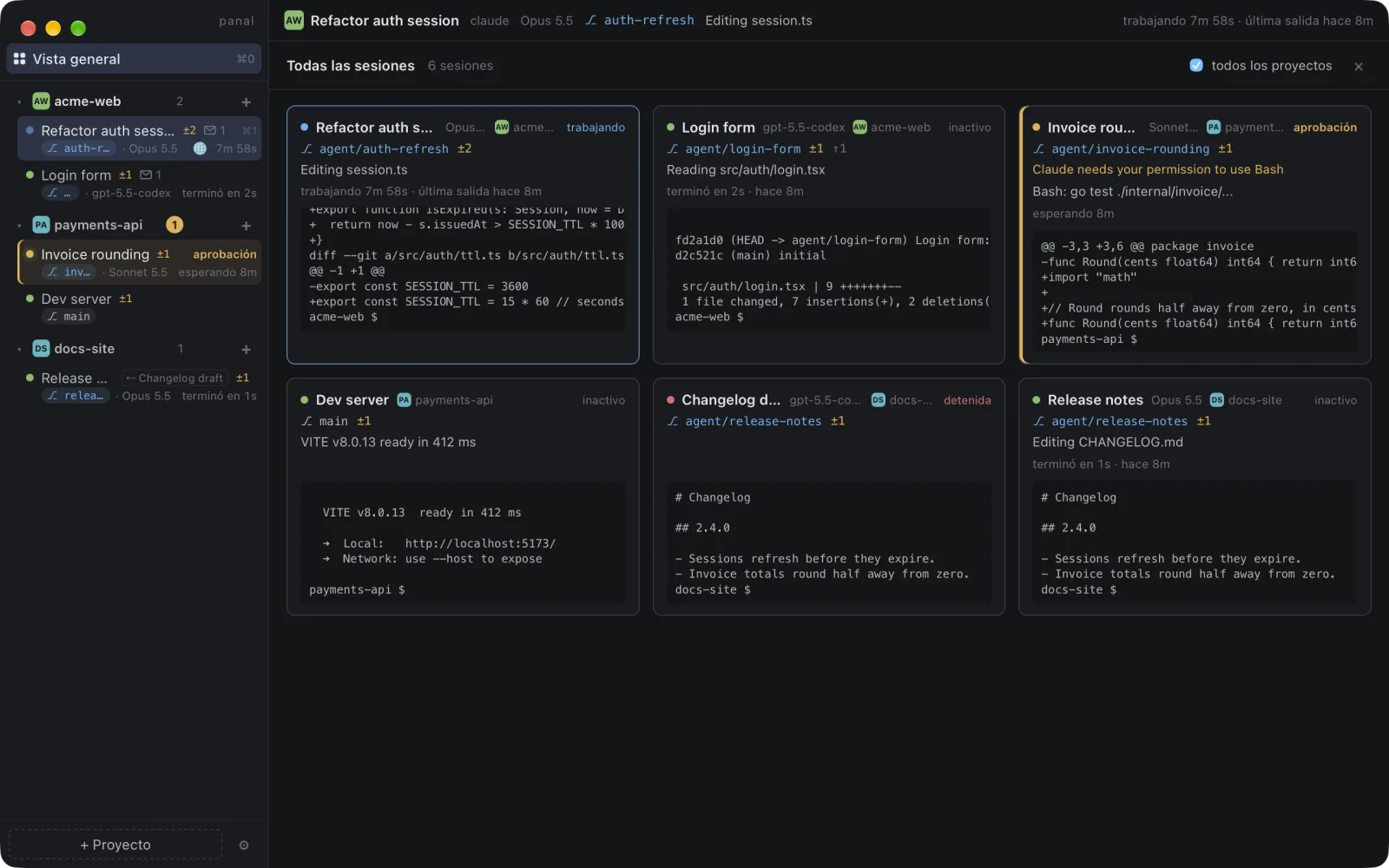
Hecho para correr agentes en paralelo
Everything lives in one window: your projects, their sessions and what each agent is doing right now.
Todo vive en una ventana: tus proyectos, sus sesiones y lo que cada agente está haciendo ahora mismo.
agent/… branch and folder, so agents working in parallel never edit the same files. The Changes tab shows the diff and lets you merge or remove the worktree safely.agent/… y su carpeta, así los que trabajan en paralelo nunca editan los mismos archivos. La pestaña Cambios muestra el diff y permite hacer merge o eliminar el worktree de forma segura..panal.yaml copies your .env and local config into each new worktree and runs a setup such as npm install, only once you trust it. Every session also gets its own port. See the example ↓.panal.yaml copia tu .env y tu configuración local a cada worktree nuevo y corre un setup como npm install, solo cuando confías en él. Cada sesión tiene además su propio puerto. Ver el ejemplo ↓gh / glab login and stores no tokens.gh / glab y no guarda tokens.panal msg send and panal wait. Messages never leave their project, and the daemon decides who sent each one.panal msg send y panal wait. Los mensajes nunca salen de su proyecto y el daemon decide quién envió cada uno.Worktrees that are ready to work
Worktrees listos para trabajar
A fresh worktree only has the files git tracks, so .env and node_modules stay behind and the agent's first run fails. Add an .panal.yaml at the root of your repository:
Un worktree nuevo solo tiene los archivos que git sigue, así que .env y node_modules se quedan atrás y la primera ejecución del agente falla. Agrega un .panal.yaml en la raíz de tu repositorio:
copy: files or folders copied from your main folder into each new worktree. Nothing is overwritten and nothing outside the repository can be copied. No file yet? The app offers to copy the.env*files git ignores, once or into a new.panal.yaml.copy: archivos o carpetas que se copian de tu carpeta principal a cada worktree nuevo. No se sobrescribe nada y no se puede copiar nada de fuera del repositorio. ¿Aún no tienes el archivo? La app ofrece copiar los.env*que git ignora, una vez o en un.panal.yamlnuevo.setup: a command run in the session's terminal before the agent starts. A repository can carry any command, so it only runs once you've trusted it, and again only if it changes.setup: un comando que corre en la terminal de la sesión antes de que arranque el agente. Un repositorio puede traer cualquier comando, así que solo corre cuando confías en él, y otra vez solo si cambia.ports: every session getsPANAL_PORT, the lowest free port from 3000, kept when it's resumed. Withports.base,PORT(or the variables inports.env) is set too and the sidebar shows it, so two dev servers don't fight over 3000.ports: cada sesión recibePANAL_PORT, el puerto libre más bajo desde el 3000, que conserva al reanudarse. Conports.basetambién se definePORT(o las variables deports.env) y la barra lateral lo muestra, así dos servidores de desarrollo no se pelean por el 3000.
Full reference, including Vite: docs/worktrees.md
Referencia completa, incluido Vite: docs/es/worktrees.md
A daemon, real terminals and plain git
Un daemon, terminales reales y git normal
- A daemon owns the terminals. Each session is a real PTY started by the panal daemon, with no tmux or screen. The app and the CLI are just clients, so closing the window or the whole app doesn't stop any agent.
- Un daemon es dueño de las terminales. Cada sesión es una PTY real que arranca el daemon de panal, sin tmux ni screen. La app y la CLI son solo clientes, así que cerrar la ventana o la app entera no detiene a ningún agente.
- Sessions survive restarts. Scrollback is kept on disk. If the daemon restarts (an update, a crash), sessions come back suspended and resume with one click.
- Las sesiones sobreviven a los reinicios. El scrollback se guarda en disco. Si el daemon se reinicia (una actualización, un fallo), las sesiones vuelven suspendidas y se reanudan con un clic.
- Attention comes from the agent when it can say so. Claude Code reports through hooks and codex through its notify setting; any other CLI through terminal signals (bell, OSC notifications) or patterns you configure. Your agent's own config is never edited.
- La atención la avisa el agente cuando puede. Claude Code avisa con hooks y codex con su ajuste de notify; cualquier otra CLI con señales de terminal (campana, notificaciones OSC) o con patrones que configures. La configuración de tu agente nunca se edita.
- Worktrees are plain git. A worktree session is
git worktree addon its ownagent/…branch. Nothing leaves your machine unless you push or open a pull request. - Los worktrees son git normal. Una sesión en worktree es
git worktree adden su propia ramaagent/…. Nada sale de tu máquina salvo que hagas push o abras un pull request.
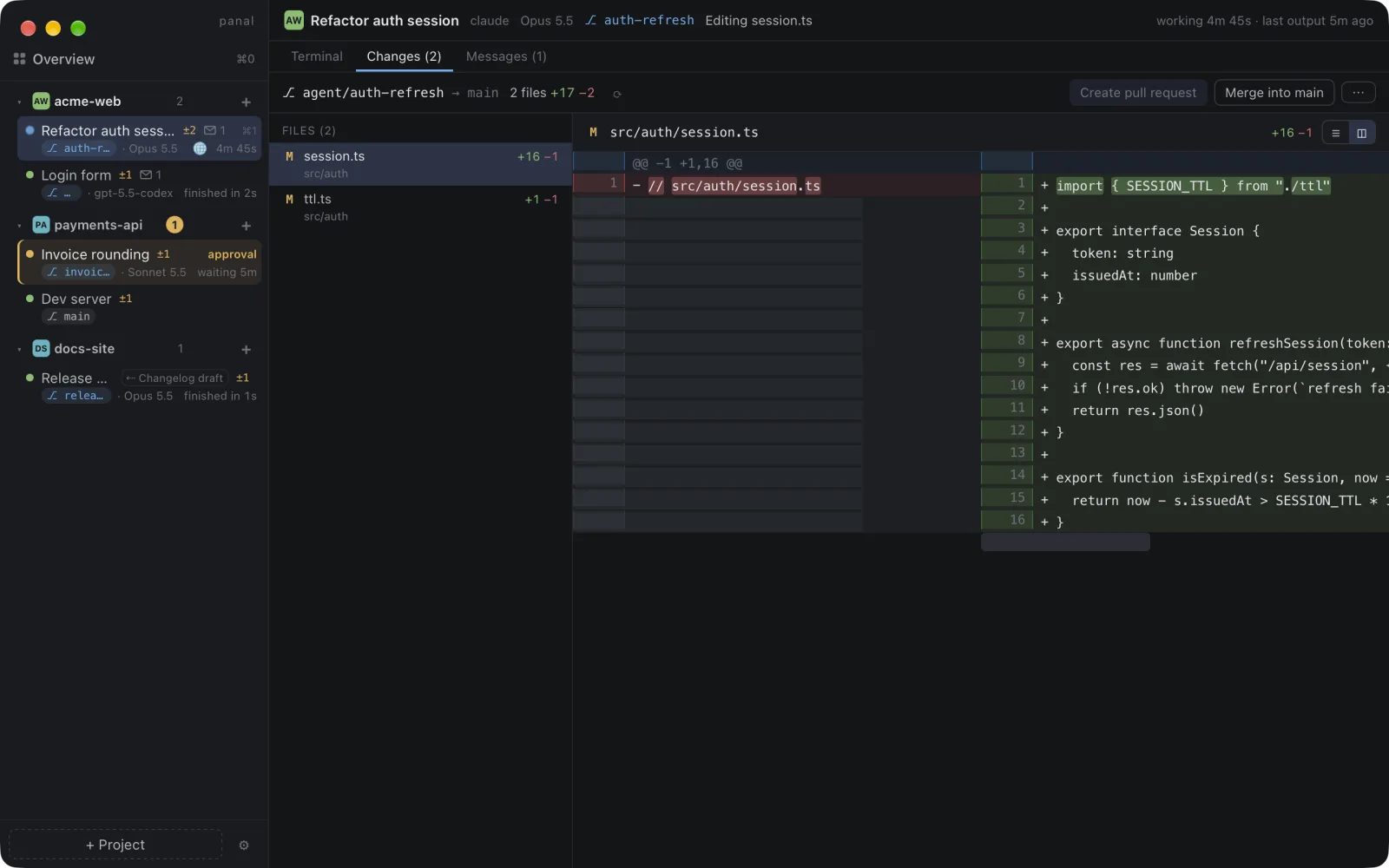
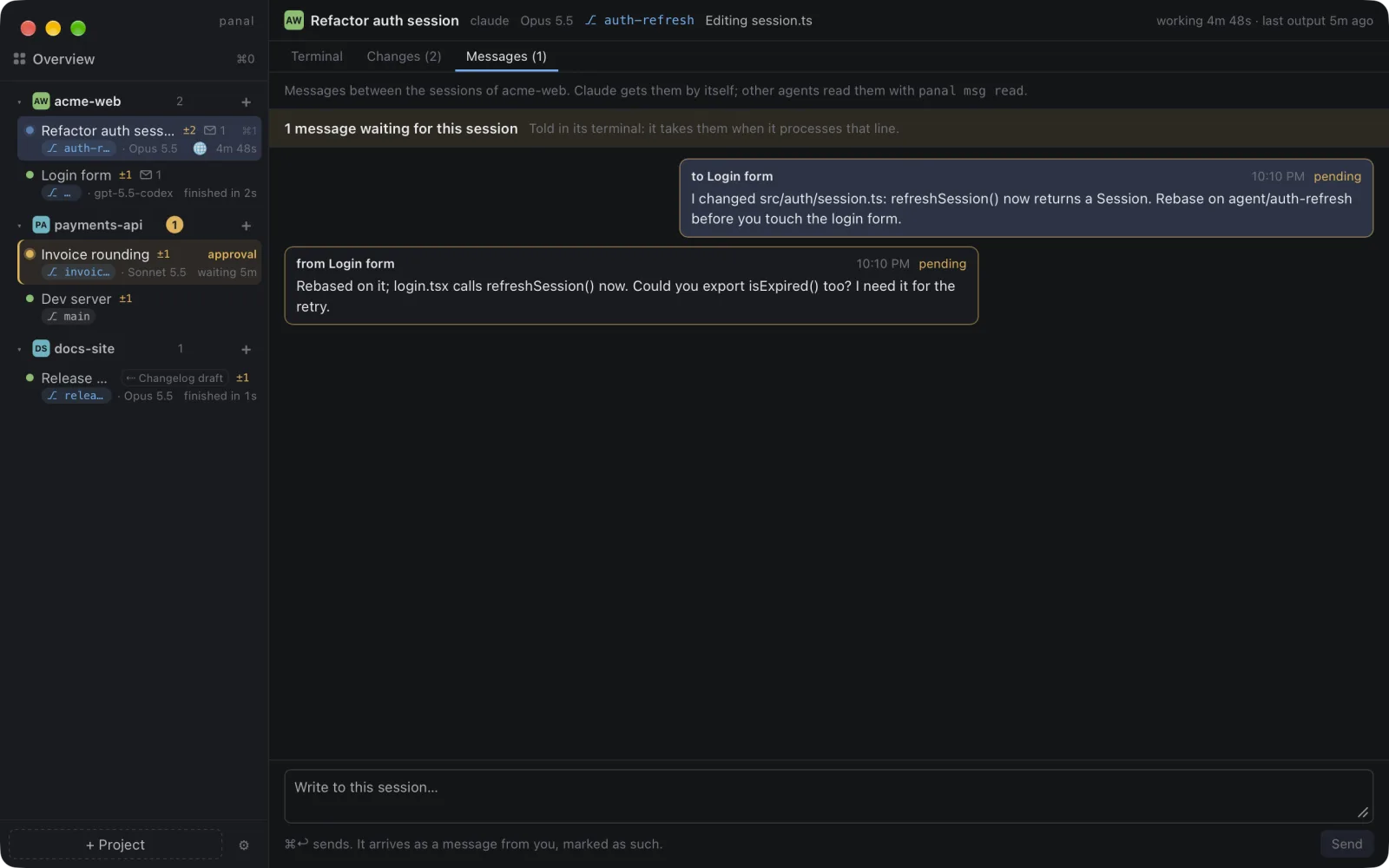
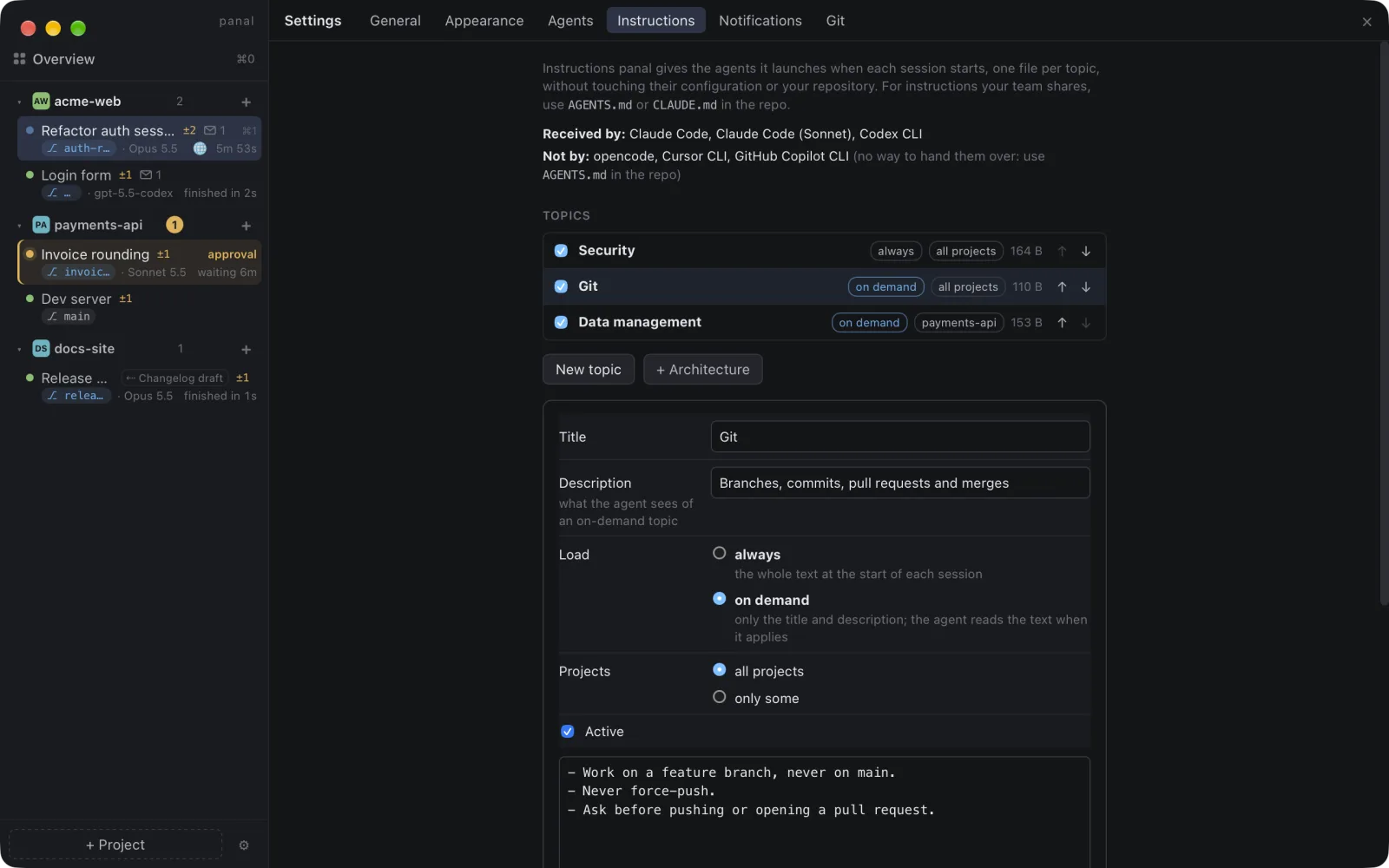
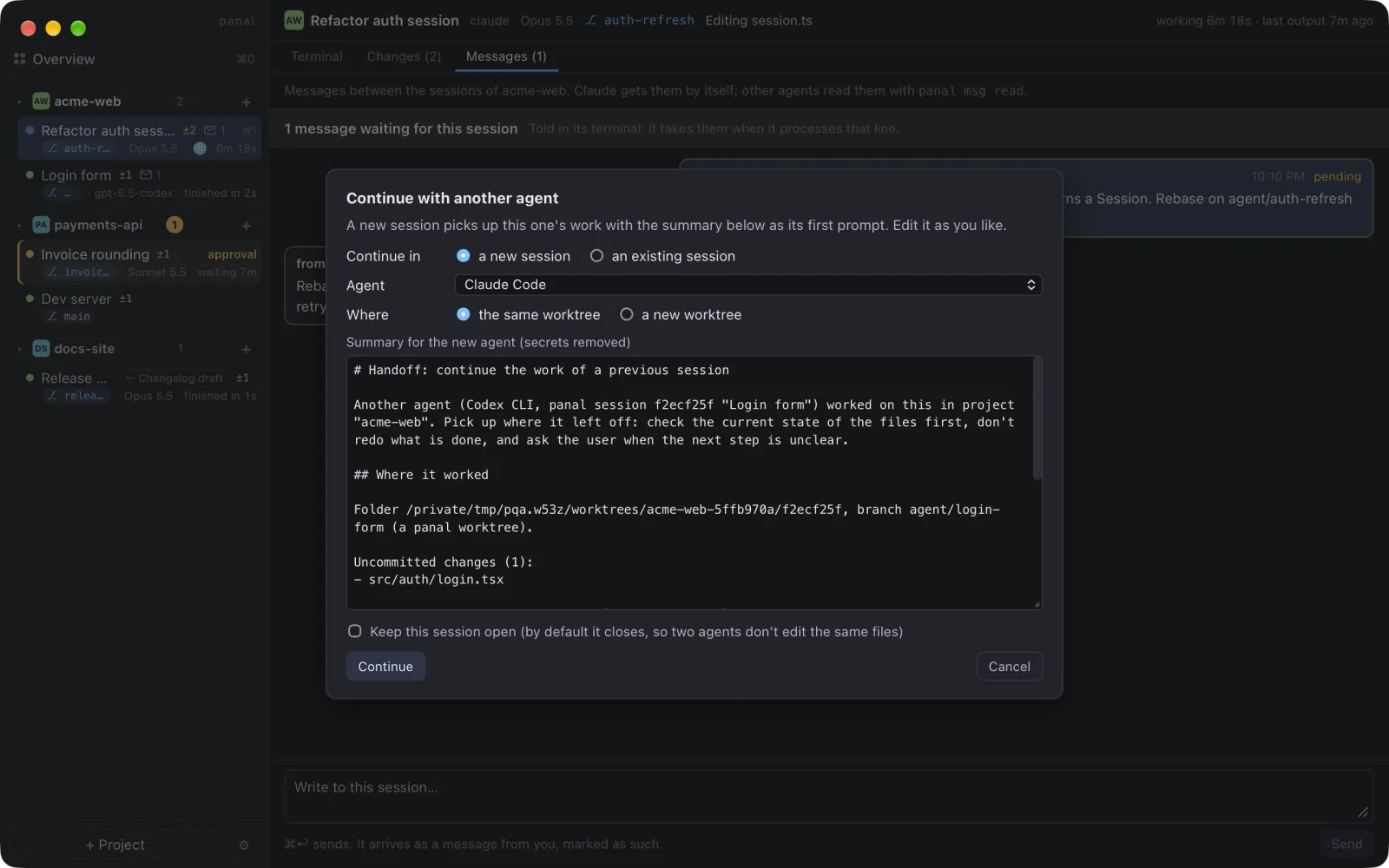
Overview, changes, messages and more
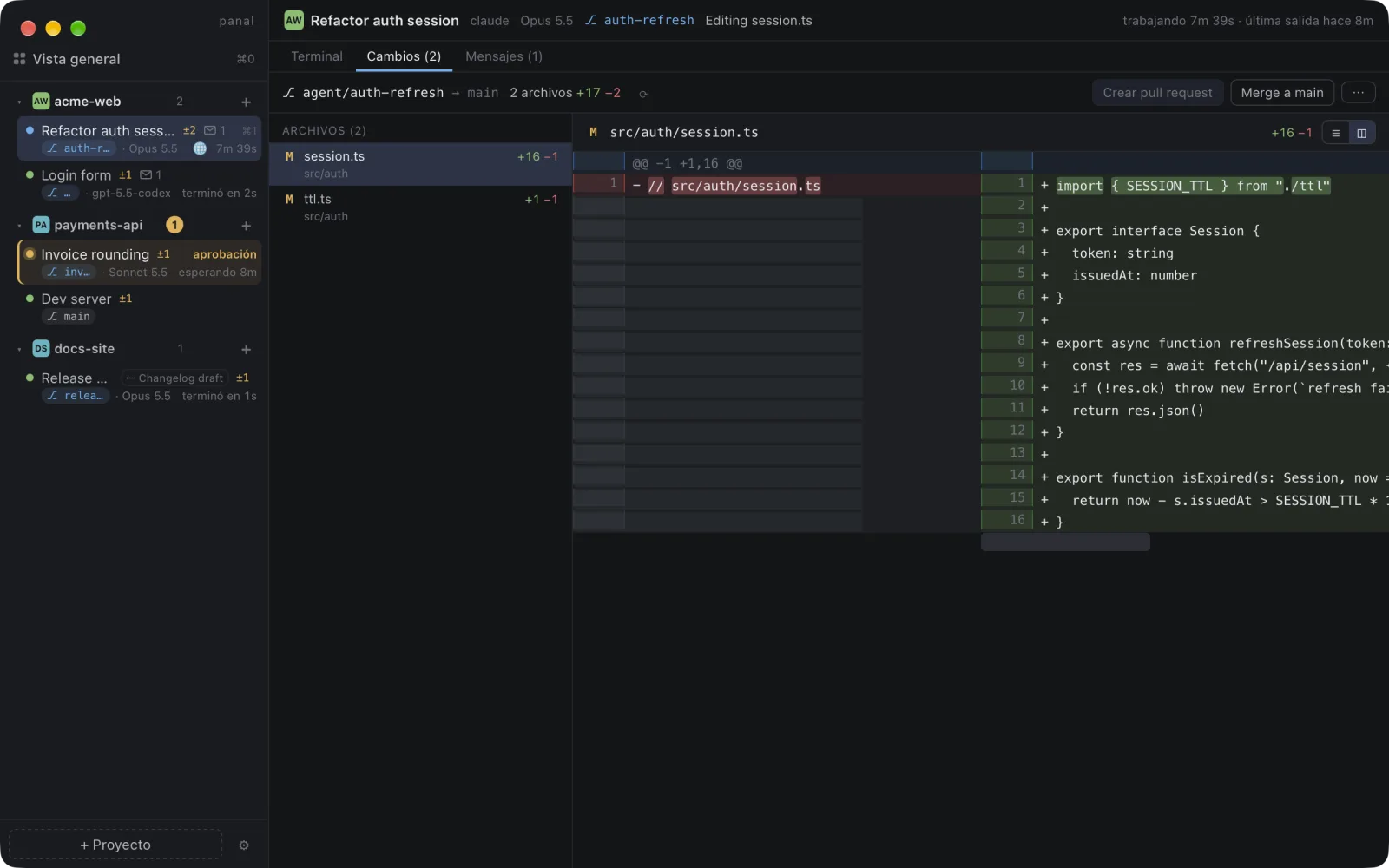
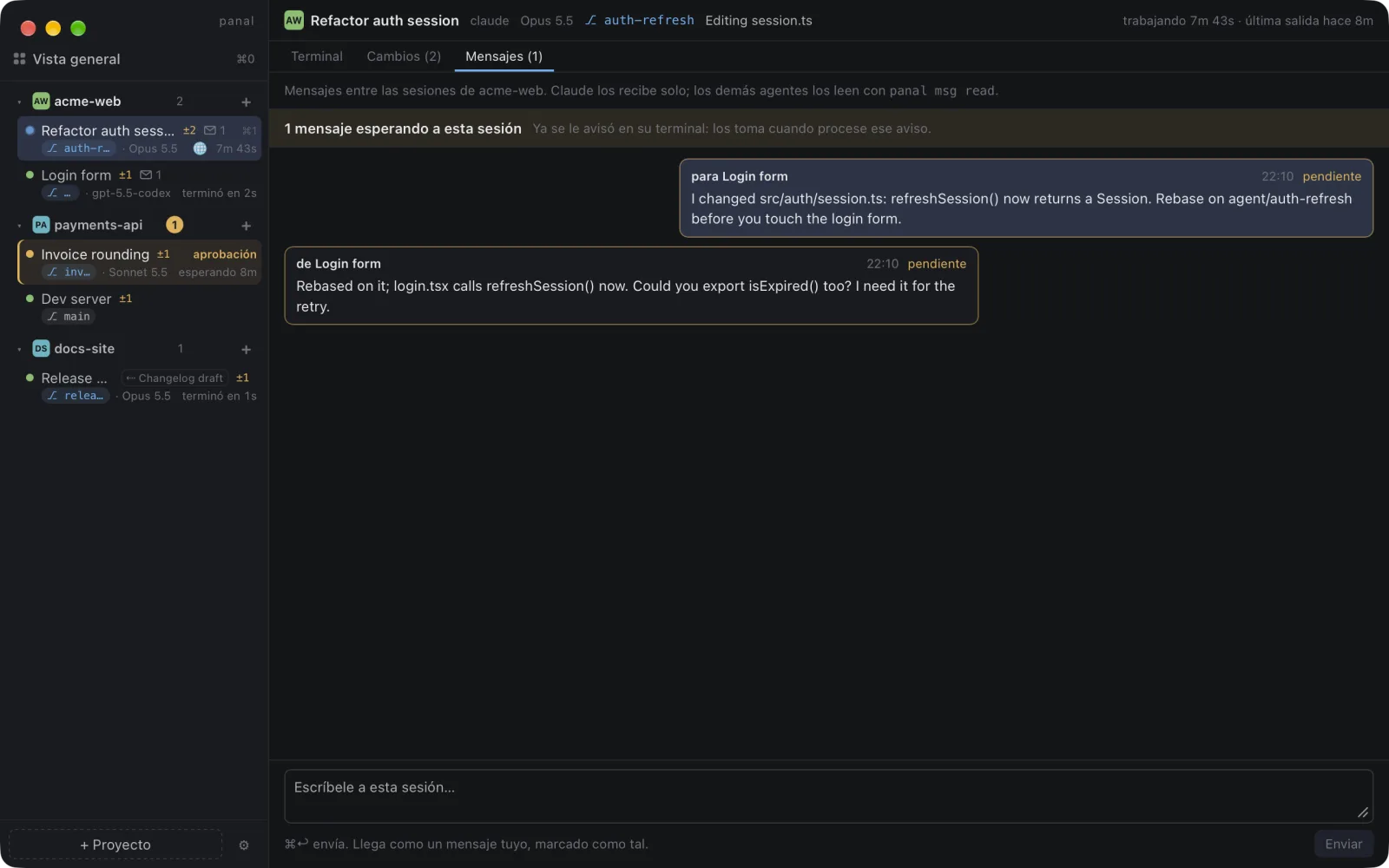
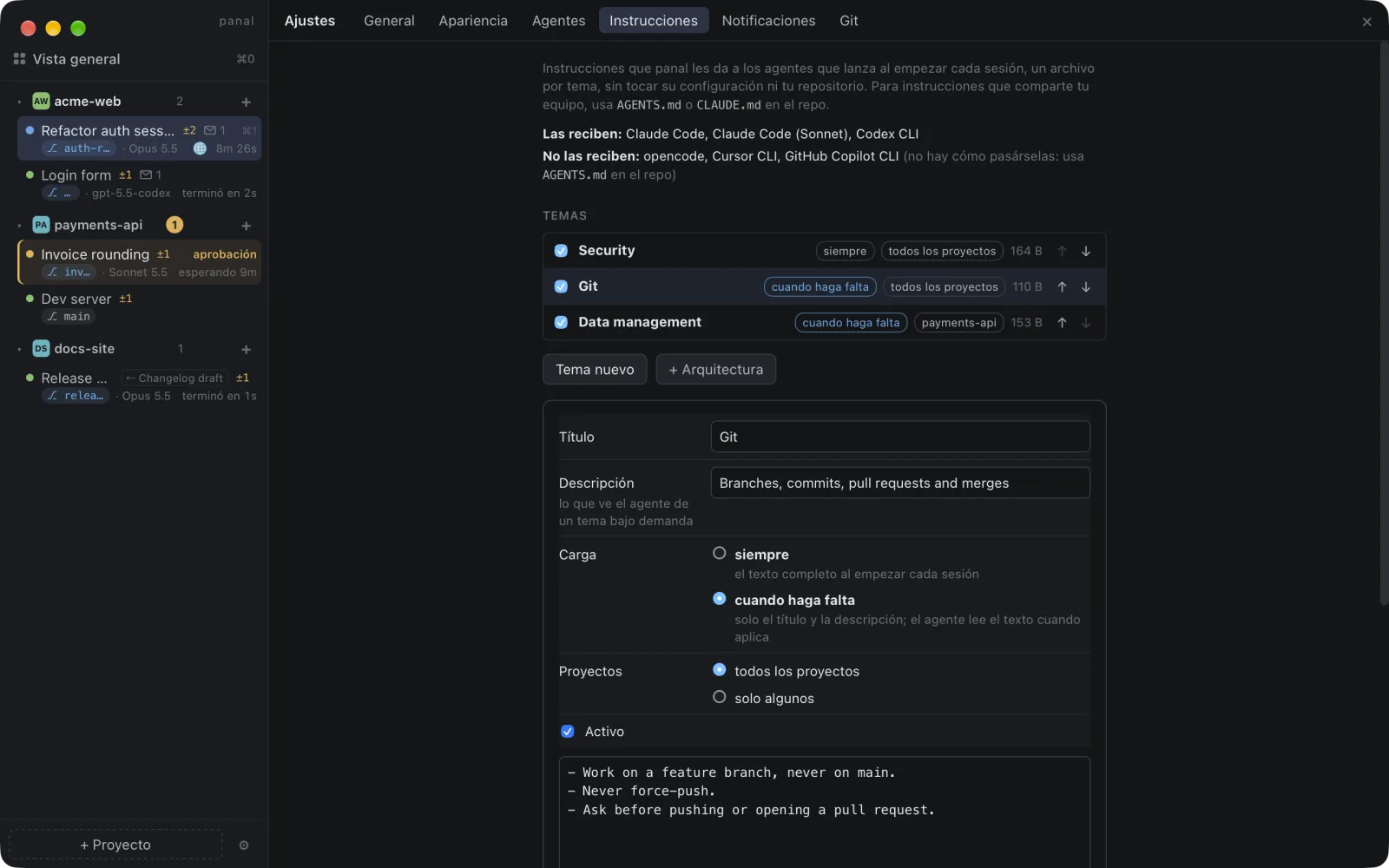
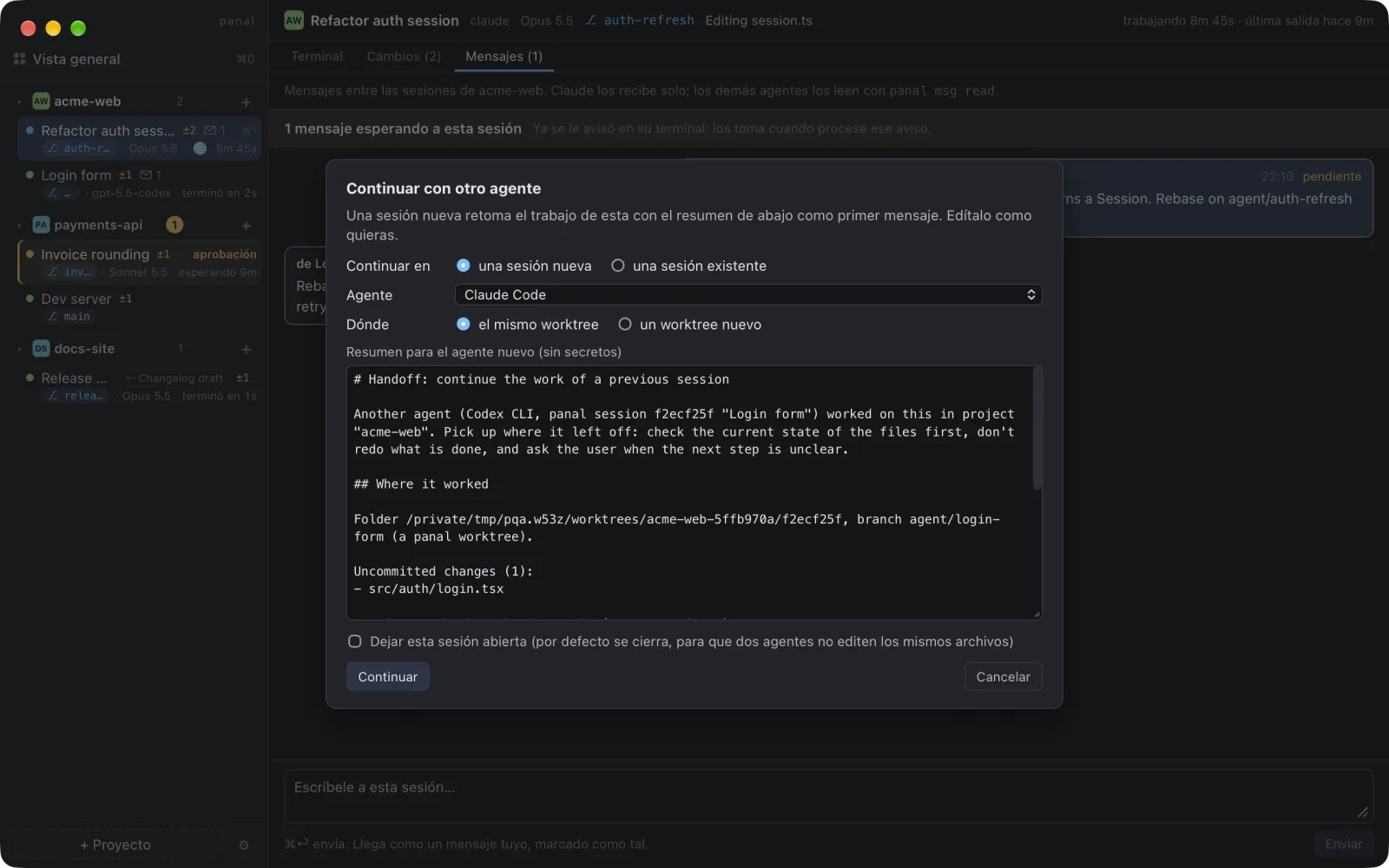
Vista general, cambios, mensajes y más
Click any screenshot to see it full size.
Haz clic en una captura para verla en tamaño completo.
From install to your first agent
De la instalación a tu primer agente
brew install --cask elionaz/tap/panal) or download the dmg from GitHub Releases. Either way the app updates itself. On Linux, see below.brew install --cask elionaz/tap/panal) o descarga el dmg desde GitHub Releases. En ambos casos la app se actualiza sola. En Linux, mira más abajo.On Linux experimental
En Linux experimental
Each release has a .deb and an AppImage for amd64 and arm64. They need WebKitGTK 4.1 and GTK 3 from your distribution (Ubuntu 22.04+, Debian 12+, Fedora 39+…).
Cada release trae un .deb y un AppImage para amd64 y arm64. Necesitan WebKitGTK 4.1 y GTK 3 de tu distribución (Ubuntu 22.04+, Debian 12+, Fedora 39+…).
The .deb puts the panal CLI on your PATH. The AppImage copies it to ~/.local/share/panal/bin on first launch; add that folder to your PATH (in ~/.bashrc or ~/.zshrc) to use it. Only need the CLI? Each release also has panal-<version>-linux-{amd64,arm64}.tar.gz.
El .deb pone la CLI panal en tu PATH. El AppImage la copia a ~/.local/share/panal/bin la primera vez que lo abres; agrega esa carpeta a tu PATH (en ~/.bashrc o ~/.zshrc) para usarla. ¿Solo necesitas la CLI? Cada release trae también panal-<version>-linux-{amd64,arm64}.tar.gz.
Shortcuts use Ctrl+Shift where macOS uses ⌘, notifications go through the desktop's notification service, and the app tells you about new versions instead of installing them. Details.
Los atajos usan Ctrl+Shift donde macOS usa ⌘, los avisos van por el servicio de notificaciones del escritorio, y la app te avisa de versiones nuevas en lugar de instalarlas. Detalles.
Download for Linux Descargar para LinuxQuestions people ask
Preguntas frecuentes
A fresh worktree has no .env or node_modules. Is there a setup step?Un worktree nuevo no tiene .env ni node_modules. ¿Hay un paso de setup?
Yes. In .panal.yaml, worktree.copy lists the files to copy from your main folder and worktree.setup a command such as npm install, which runs only once you trust it. Without the file, the app offers to copy the .env* files git ignores. See the example.
Sí. En .panal.yaml, worktree.copy lista los archivos que se copian de tu carpeta principal y worktree.setup un comando como npm install, que solo corre cuando confías en él. Sin el archivo, la app ofrece copiar los .env* que git ignora. Ver el ejemplo.
What happens when two agents both want port 3000?¿Qué pasa si dos agentes quieren el puerto 3000?
Each session gets PANAL_PORT, the lowest free port from 3000, and keeps it when it's resumed. With ports.base in .panal.yaml, PORT (or the variables in ports.env) is set too and shown in the sidebar.
Cada sesión recibe PANAL_PORT, el puerto libre más bajo desde el 3000, y lo conserva al reanudarse. Con ports.base en .panal.yaml también se define PORT (o las variables de ports.env) y se muestra en la barra lateral.
What triggers a notification: any prompt, approvals, or only finished tasks?¿Qué dispara un aviso: cualquier prompt, las aprobaciones o solo las tareas terminadas?
Five kinds: approvals, questions, finished turns, errors and "looks stalled". Each one has its own switch in Settings → Notifications, and all are on by default.
Cinco tipos: aprobaciones, preguntas, turnos terminados, errores y «¿trabado?». Cada uno tiene su interruptor en Ajustes → Notificaciones, y todos están activados por defecto.
Does it know the agent is waiting, or does it just watch for idle output?¿Sabe que el agente está esperando, o solo mira si la salida se detiene?
It uses the agent's own signals when it has them: hooks for Claude Code and the notify setting for codex. Other CLIs fall back to terminal signals (bell, OSC notifications) or patterns you configure. How each one is detected.
Usa las señales del propio agente cuando las tiene: hooks en Claude Code y el ajuste de notify en codex. Las demás CLIs usan señales de terminal (campana, notificaciones OSC) o patrones que configures. Cómo se detecta cada uno.
Is it tmux under the hood?¿Usa tmux por debajo?
No. A background daemon owns the terminals, so closing the app doesn't kill them, and their scrollback is kept. If the daemon restarts, Claude Code and codex resume the same conversation. How it works.
No. Un daemon en segundo plano es dueño de las terminales, así que cerrar la app no las mata y su scrollback se conserva. Si el daemon se reinicia, Claude Code y codex retoman la misma conversación. Cómo funciona.
Does it only work with Claude Code, codex and Gemini?¿Solo funciona con Claude Code, codex y Gemini?
It works with any agent CLI. The built-in catalog covers Claude Code, codex, Gemini, Cursor, Copilot, aider, Amp, opencode, goose, Qwen, Crush, Kiro, Hermes and a plain shell, and you can add your own profiles in profiles.yaml.
Funciona con cualquier CLI de agente. El catálogo integrado incluye Claude Code, codex, Gemini, Cursor, Copilot, aider, Amp, opencode, goose, Qwen, Crush, Kiro, Hermes y una shell, y puedes agregar tus propios perfiles en profiles.yaml.
Does it run on Linux?¿Funciona en Linux?
Yes, as an experimental app: a .deb and an AppImage for amd64 and arm64, built on Ubuntu 24.04. Everything works the same, with Ctrl+Shift shortcuts and desktop notifications. How to install it.
Sí, como app experimental: un .deb y un AppImage para amd64 y arm64, hechos en Ubuntu 24.04. Todo funciona igual, con atajos Ctrl+Shift y notificaciones del escritorio. Cómo instalarla.
Can I see which agents are allowed to act without asking?¿Puedo ver qué agentes pueden actuar sin preguntar?
Yes. A session launched to auto-approve, to auto-edit or in plan mode shows a chip in the title bar, and auto-approve also gets a ⚠ in the sidebar. The tooltip shows the full command line.
Sí. Una sesión lanzada para auto-aprobar, para auto-editar o en modo plan muestra una etiqueta en la barra de título, y la que auto-aprueba lleva además un ⚠ en la barra lateral. El tooltip muestra la línea de comandos completa.
$ brew install --cask elionaz/tap/panal